

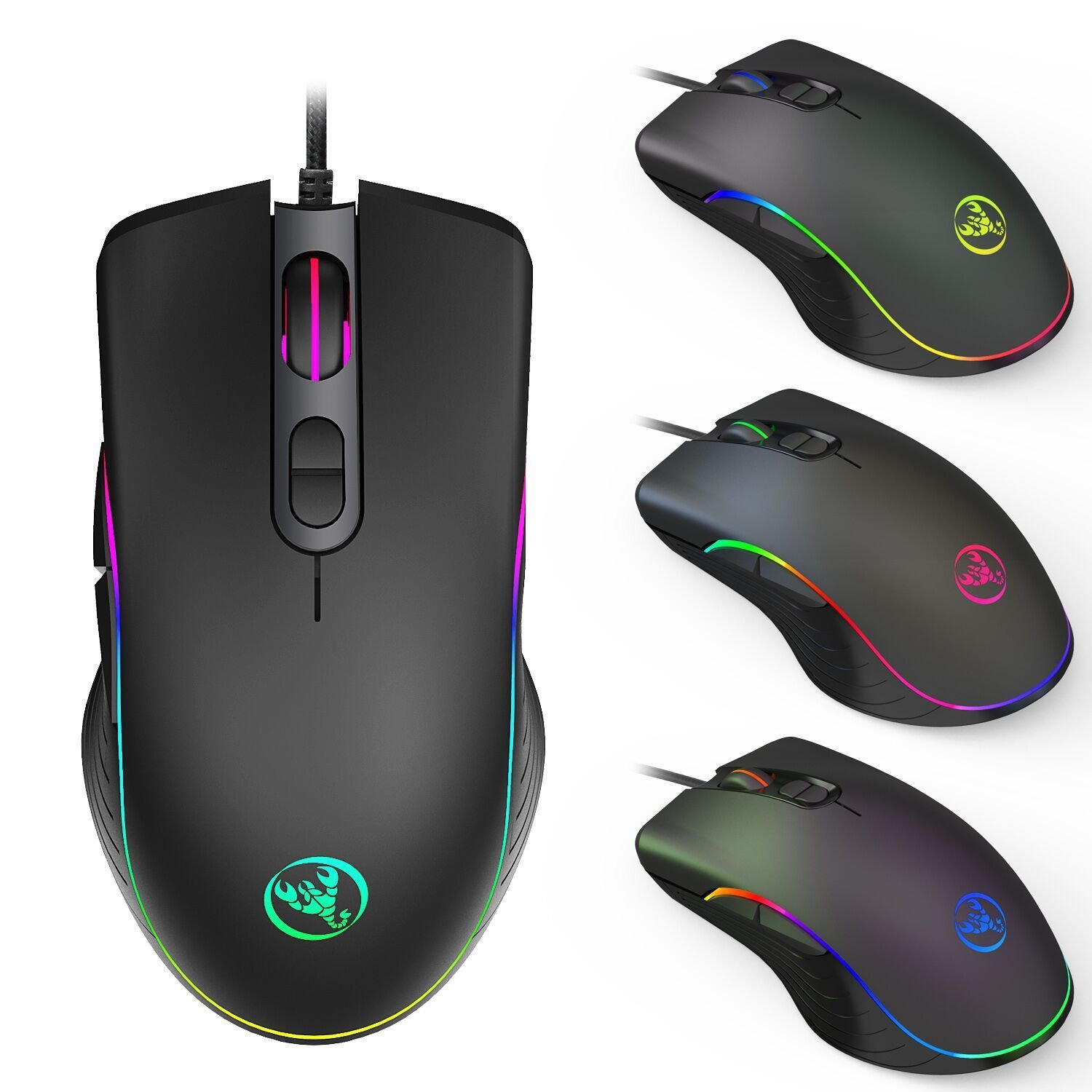
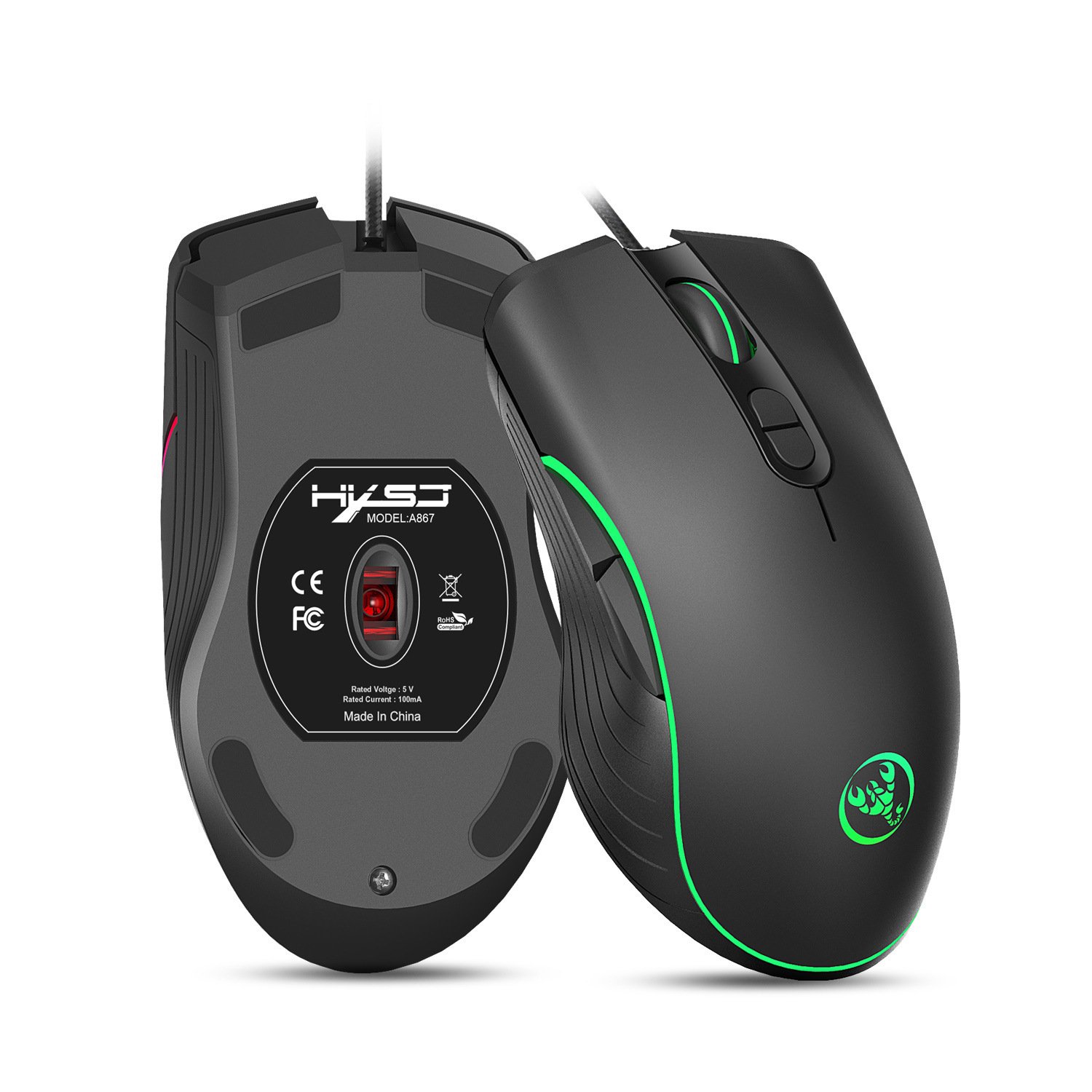
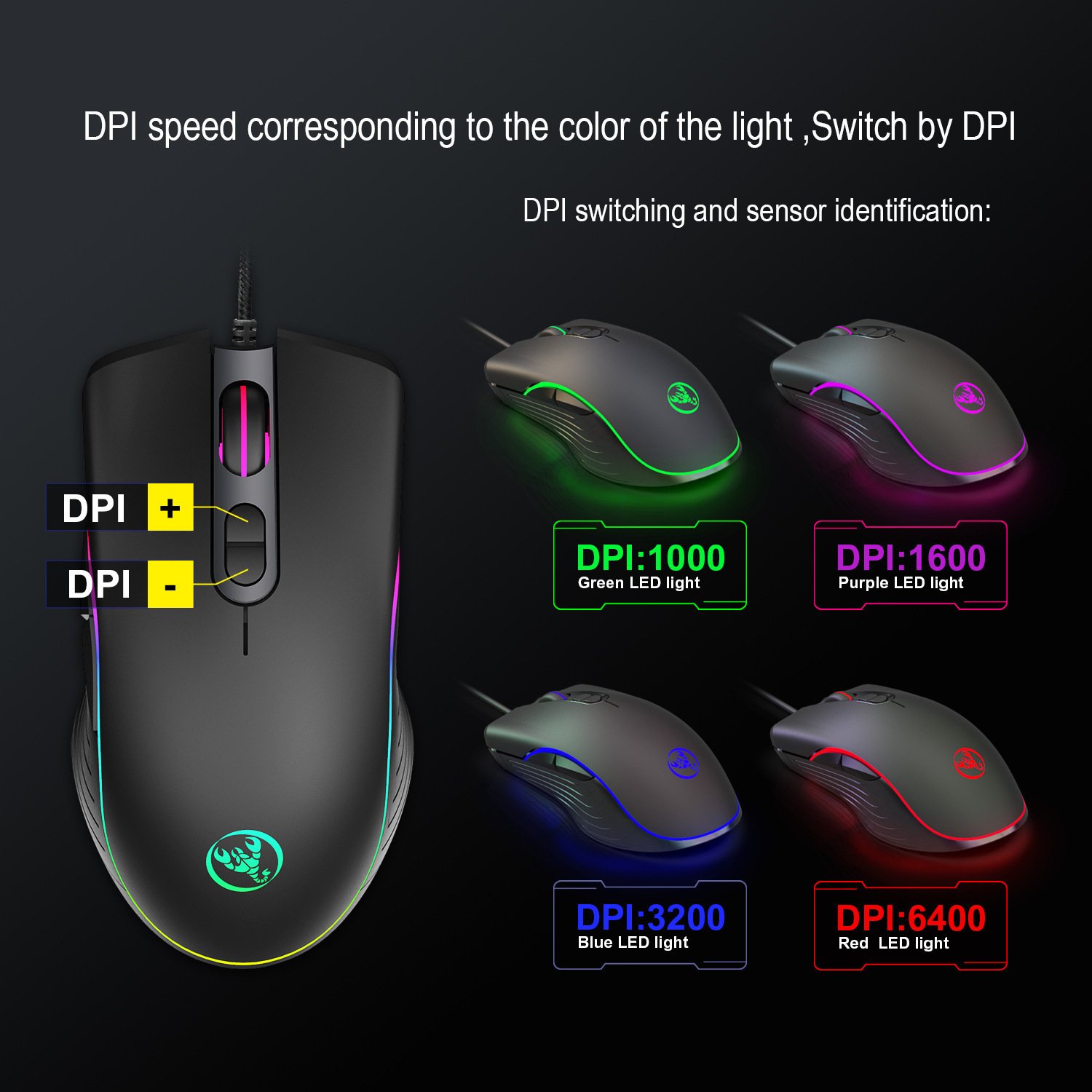
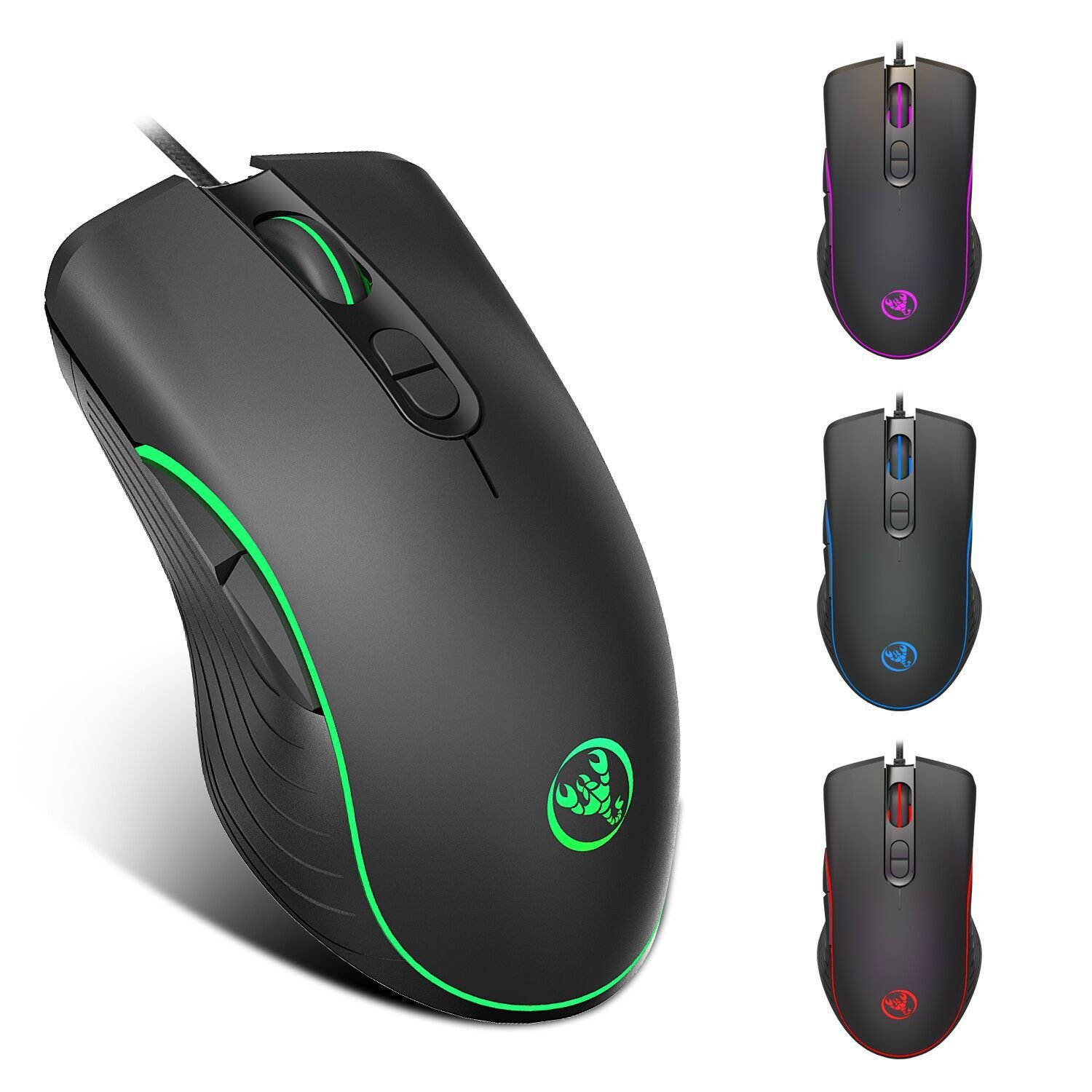
This RGB wired gaming mouse gives you a fast optical sensor, seven buttons and bright lighting at an everyday price. For example, you can switch between 1000, 1600, 3200 and 6400 DPI with the two buttons behind the scroll wheel, and the light changes colour so you always know which speed you are on.
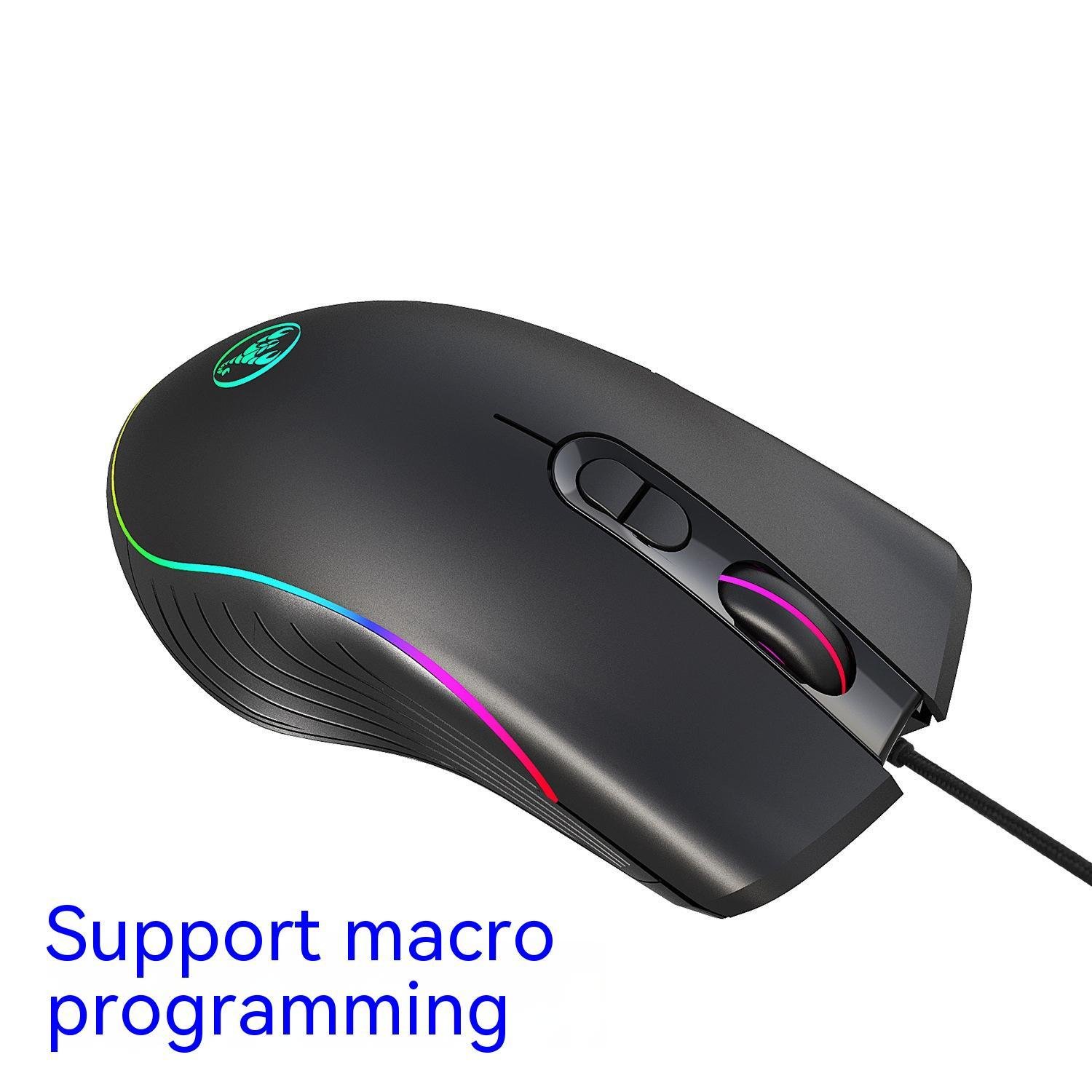
Because the mouse connects by USB cable, there are no batteries to charge and no wireless delay – exactly what you want for gaming. In addition, the ergonomic, right-handed shape suits medium to large hands, while the forward and back buttons sit under your thumb for games and web browsing. Finally, pick the Standard version, or choose the Macro Programmable version if you also want to record your own key combinations.
Why Choose This Wired Gaming Mouse
6400 DPI Optical Sensor
Four DPI levels – 1000, 1600, 3200 and 6400 – so you can aim slowly and precisely, or turn fast on a large screen.
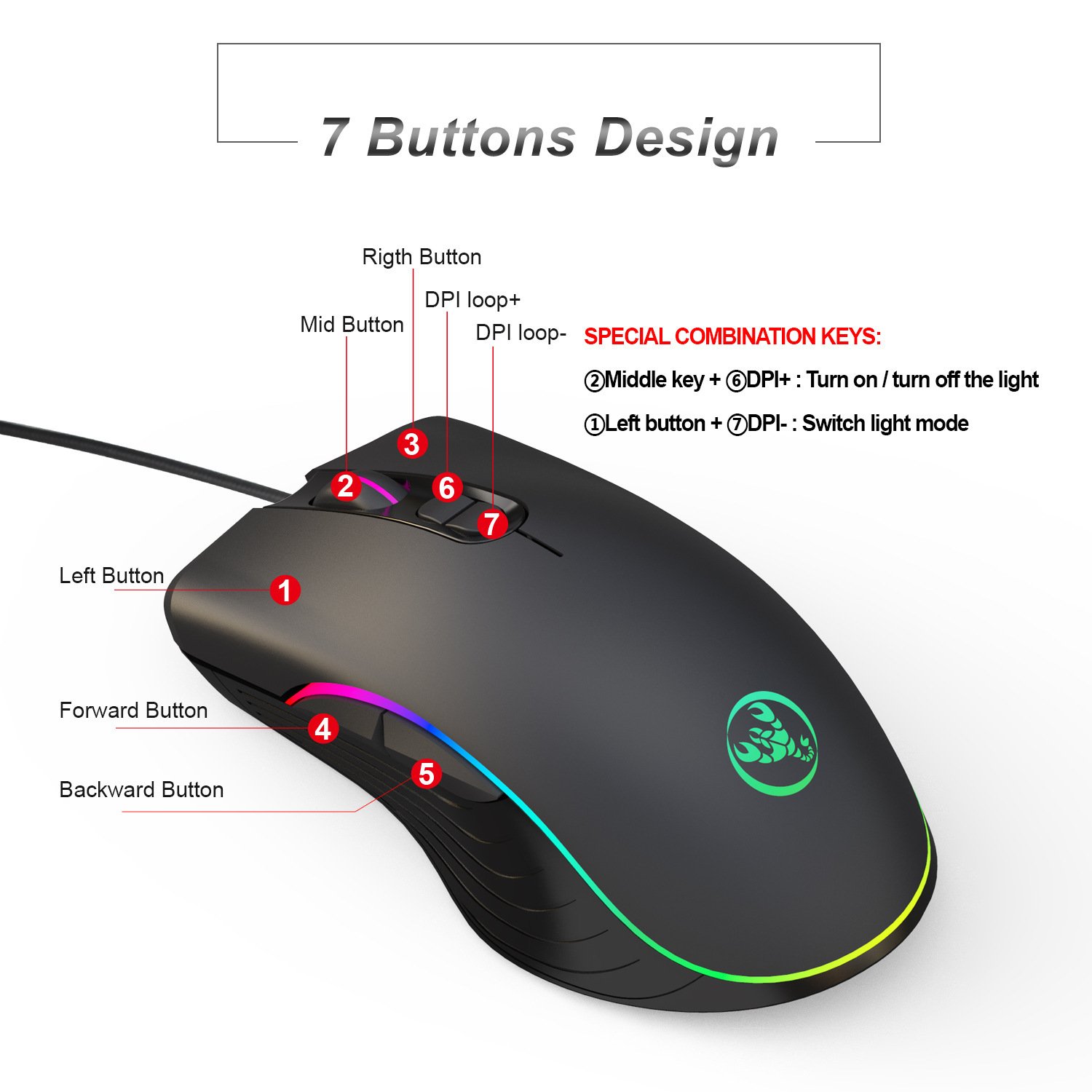
7 Buttons
Left, right and middle click, DPI + and DPI –, as well as forward and back buttons on the side for quick actions.
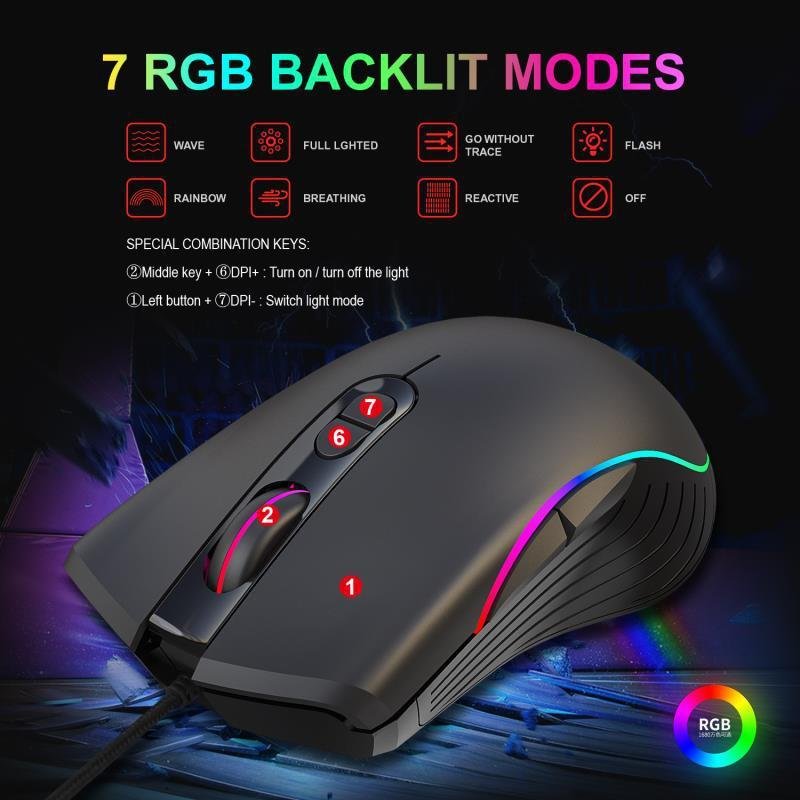
7 RGB Lighting Modes
Wave, rainbow, breathing, flash, reactive, steady and trail modes. Alternatively, switch the lights off completely.
Plug and Play
Simply connect the USB cable and start playing. After that, the DPI and lighting are changed with the buttons on the mouse.
Wired Gaming Mouse Specifications
| Type | Wired optical gaming mouse |
|---|---|
| Resolution | 1000 / 1600 / 3200 / 6400 DPI (4 levels) |
| Buttons | 7 |
| Lighting | RGB, 7 modes + off |
| Connection | USB, 1.5 m cable |
| Hand | Right-handed ergonomic shape |
| Size | 12.8 × 7.1 × 4.5 cm |
| Weight | 132 g |
| Versions | Standard / Macro Programmable |
In the Box
- 1 × RGB wired gaming mouse
Gaming Mouse Button Shortcuts
- DPI + / DPI – change the speed; the light colour shows the level (green 1000, purple 1600, blue 3200, red 6400)
- Middle button + DPI + turns the lights on or off
- Left button + DPI – switches the lighting mode
Questions About This Wired Gaming Mouse
Do I need to install anything?
No. Plug the USB cable into your computer and the wired gaming mouse works straight away, because DPI and lighting are controlled with the buttons on the mouse. Only macro recording on the Macro Programmable version uses the mouse’s configuration software.
What is the difference between Standard and Macro Programmable?
Both have the same sensor, buttons and RGB lighting. However, the Macro Programmable version also lets you record your own key combinations and assign them to the buttons.
Will it work with my laptop?
Yes – it works with any desktop or laptop that has a USB port. If your laptop only has USB-C ports, however, use a USB-C to USB-A adapter.
Is it good for small hands?
At 12.8 cm long with a curved right-handed shape, it fits medium to large hands best. Therefore, people with small hands may prefer a shorter mouse.
| Weight | 0.35 kg |
|---|---|
| Dimensions | 180 × 230 × 40 mm |
| Version | Standard, Macro Programmable |

Reviews
There are no reviews yet.