

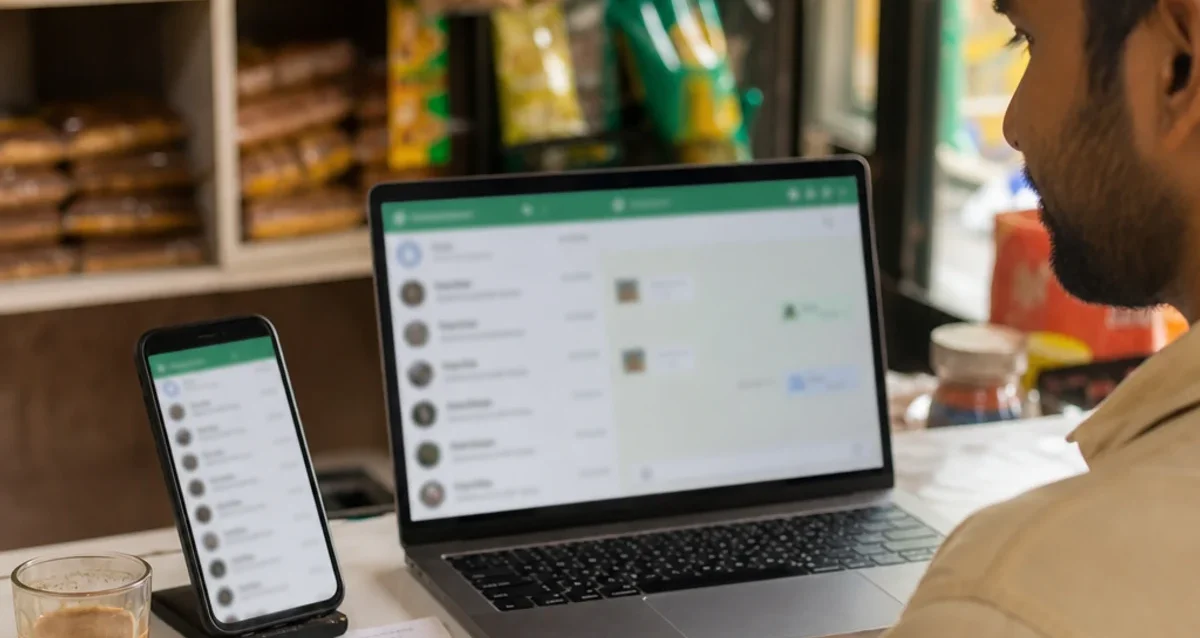
If your customers already message you on WhatsApp, you have probably asked what is WhatsApp Business API, how does WhatsApp Business API work and what WhatsApp Business API pricing looks like. In short, it is the official Meta way for businesses to send and receive WhatsApp messages at scale – from a shared team inbox, a chatbot or your CRM – instead of from one phone.
This guide explains how the API differs from the free WhatsApp Business app, what the main rules are, how costs are calculated and how to choose a WhatsApp Business API provider in Madurai or anywhere in South India. As a result, you can decide whether it is the right step for your shop, clinic, institute or online store.
What’s in this guide
What Is WhatsApp Business API?
The API – officially part of the WhatsApp Business Platform – connects a business phone number to software rather than to a mobile app. Meta hosts it through its Cloud API, and businesses usually access it through a provider that adds an inbox, automation and reports on top.
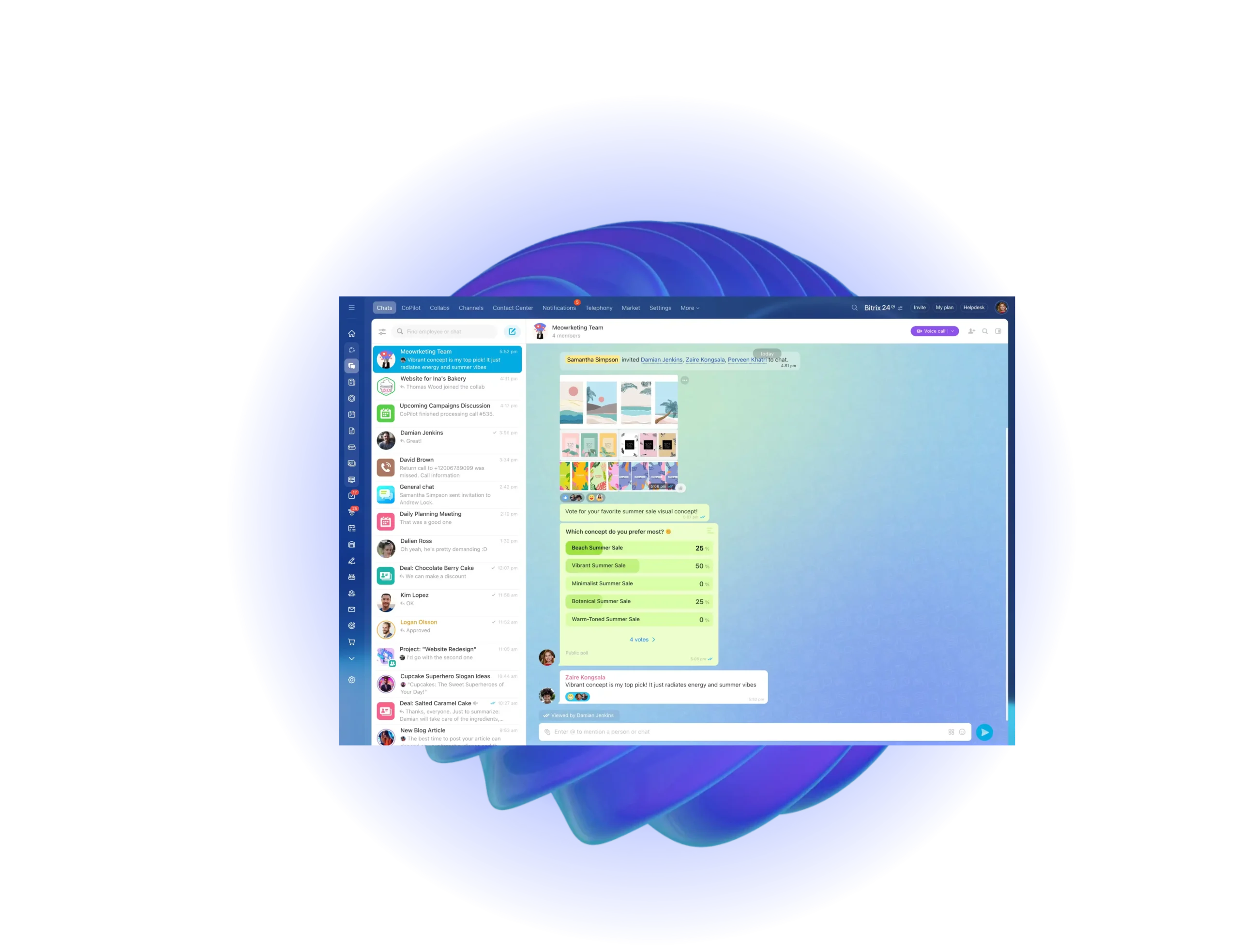
Because the number lives in software, many staff members can answer the same WhatsApp number at once. In addition, your website, billing system or CRM can send order updates and reminders automatically.
- One number, many agents – sales and support share the same WhatsApp number.
- Automation – chatbots answer common questions day and night.
- Integrations – connect WhatsApp to your CRM, website or e-commerce store.
- Approved templates – send updates, reminders and offers to customers who opted in.
WhatsApp Business App vs WhatsApp Business API
Many small businesses start with the free WhatsApp Business app, and that is the right choice when one or two people handle chats. However, the API makes sense once messages grow or you need automation.
| Point | Free Business app | Business API |
|---|---|---|
| Best for | Very small teams, manual chats | Growing businesses and support teams |
| Where you use it | Phone app (plus linked devices) | Shared inbox, CRM or your own software |
| Automation | Basic quick replies and away messages | Chatbots, workflows and integrations |
| Bulk updates | Broadcast lists, limited | Approved templates to opted-in customers |
| Cost | Free app | Per-message charges plus provider fee |
| Setup | Install and register | Meta business account and a provider |
How Does WhatsApp Business API Work?
The idea is simple: customers message your number as usual, and your team or software replies through the API. Behind the scenes, a few rules keep WhatsApp free of spam.
1. The 24-hour customer service window
When a customer messages you, a 24-hour customer service window opens. During this window, your team can reply with normal free-form messages – text, images, documents and buttons.
2. Message templates for business-initiated messages
Outside that window, or when you message a customer first, you must use a message template that Meta has approved. Templates fall into three categories: marketing (offers and announcements), utility (order, delivery and payment updates) and authentication (one-time passwords).
3. Customer opt-in
You may only send template messages to people who agreed to hear from you on WhatsApp – for example, through a checkbox on your website or a message they sent first. Therefore, collect opt-in clearly and keep a record of it.
4. Quality rating and messaging limits
New numbers start with limits on how many customers they can message first each day. If customers read and reply to your messages instead of blocking them, the quality rating stays high and the limit increases over time.
How WhatsApp Business API Pricing Works
Pricing has two parts: Meta charges for messages, and your provider charges for the software. Meta bills per delivered template message, and the rate depends on the template category and the customer’s country – marketing messages cost the most, while authentication and utility messages cost less.
Free-form replies inside the 24-hour customer service window are not charged by Meta, and utility templates sent inside that window are free as well. Because rates change from time to time, always check the current Meta rate card for India before you plan a large campaign.
- Reply fast – answering inside the 24-hour window keeps support conversations free of Meta charges.
- Use utility templates for order and payment updates instead of marketing templates.
- Send marketing only to engaged customers – it protects both your budget and your quality rating.
What Small Businesses Use WhatsApp Business API For
For example, these are common uses we see with businesses in Madurai, Trichy, Tirunelveli and Ramanathapuram. Because every chat lands in one inbox, even a small team can handle them:
- Shops and online stores – order confirmations, delivery updates and catalog sharing.
- Clinics and salons – appointment booking and reminders.
- Schools and coaching centers – admission inquiries and fee reminders.
- Service businesses – lead follow-up from your website’s WhatsApp chat widget.
- Manufacturers and wholesalers – dealer updates, quotations and payment reminders.
How to Get Started with WhatsApp Business API
Getting started takes a few steps. A good provider will guide you through each one.
- Choose a provider that offers a shared inbox, chatbot and CRM in Indian support hours.
- Set up your Meta business account and, ideally, complete business verification.
- Pick the phone number – a new number, or your existing app number if your provider supports coexistence.
- Set your display name and profile so customers recognize your business.
- Create and submit templates for order updates, reminders and offers.
- Add opt-in points on your website, invoices and counter.
- Train your team on the inbox and set up chatbot replies for common questions.
Choosing a WhatsApp Business API Provider in Madurai
Many providers offer the same Meta API, so the difference is in the software and the support. Therefore, compare a few points before you sign up.
- Shared team inbox with agent assignment and labels.
- Built-in CRM so every chat is linked to the customer record.
- Coexistence support if you want to keep using the free app on the same number.
- Clear pricing that separates Meta message charges from the software fee.
- Local setup support in Tamil and English for your team.
TicAte – WhatsApp API with CRM
Our sister product TicAte combines the API with a shared team inbox, WhatsApp coexistence and a built-in CRM. Zeocreate sets it up for businesses across South India, together with your website and chat widget.
Services Mentioned in This Guide
- CRM services
connect WhatsApp chats to your customer records - WordPress website development
websites with WhatsApp chat widgets - Digital marketing
bring opted-in customers to WhatsApp - TicAte WhatsApp Business API
shared inbox, coexistence and CRM
Frequently Asked Questions
What is WhatsApp Business API in simple words?
It is the official Meta way for businesses to use WhatsApp through software instead of a single phone, so many staff can share one number and messages can be automated or connected to a CRM.
Is the API free to use?
No. Meta charges per delivered template message, and providers charge a software fee. However, free-form replies inside the 24-hour customer service window carry no Meta charge.
Can I keep my existing business number?
Often yes. With coexistence, some providers let you connect your existing number to the API and keep using the app.
Do I need a website to use WhatsApp Business API?
A website is not strictly required, but Meta business verification and customer opt-in are easier with one. A website chat widget is also one of the best ways to start WhatsApp conversations.
How long does setup take?
Basic setup can be done in a day once your documents are ready. Business verification and template approvals may take longer.
Ready to Move Your Team to the API?
Zeocreate helps businesses in Madurai, Trichy, Tirunelveli and Ramanathapuram set up the API with a shared inbox, CRM and website chat widget. Tell us how your team uses WhatsApp today, and we will suggest the right setup.